Every episode, a week of shorts
Your best moments are buried at minute 37. ContentVeo finds them, frames whoever is talking, and gives each clip captions, a cover and post copy.
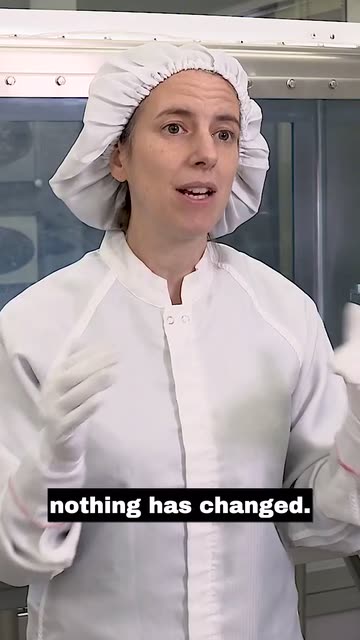
Example clips made by ContentVeo from public NASA footage. NASA does not endorse ContentVeo.
Made for how you already work
Built for conversation
Two- and three-person shots are framed on the person who matters, and clips are cut on complete thoughts so they make sense on their own.
A clip calendar, not a backlog
Approve the clips you like and schedule them across the week (on paid plans), so an episode keeps working long after release day.
Hands-off with Auto Pilot
Drop the recording into your Google Drive folder; the clips are waiting the next time you open ContentVeo.
Covers with your show name
Every clip gets three cover options, and your show name can appear on them.
Suggested settings
- Video type: Podcast
- Clip length: Auto or 30–60 seconds
- Number of clips: Auto
- Cover style: Auto, with your show name
A weekly one-hour episode uses about 240 minutes a month, so Creator (300 minutes, up to 10 clips per episode) is usually enough. Compare plans.
Read: How to turn one podcast episode into a week of shortsAdd a video. Approve the clips. Done.
Add a video
Upload up to 10 GB, pick a file from Google Drive, or paste a link.
AI finds the moments
It reads the transcript and picks moments that stand on their own.
Framed, captioned, covered
Speaker kept in 9:16, captions burned in, three covers and post copy.
You approve
Keep what you like and edit titles and captions per platform.
Publish or schedule
Post now, pick a time, or let a posting schedule fill the calendar.



Get your first clips today
Start free with 60 minutes of video a month. No card needed.