Captions that get watched: a short guide for short video
On TikTok, Reels and Shorts, many people decide whether to keep watching before they turn the sound on. Captions carry the first seconds of your clip.
Show a few words at a time
Full sentences on screen are read faster than they are spoken, so viewers race ahead and lose the rhythm. Two to four words at a time, timed to the speech, keep eyes and ears together.
Contrast beats style
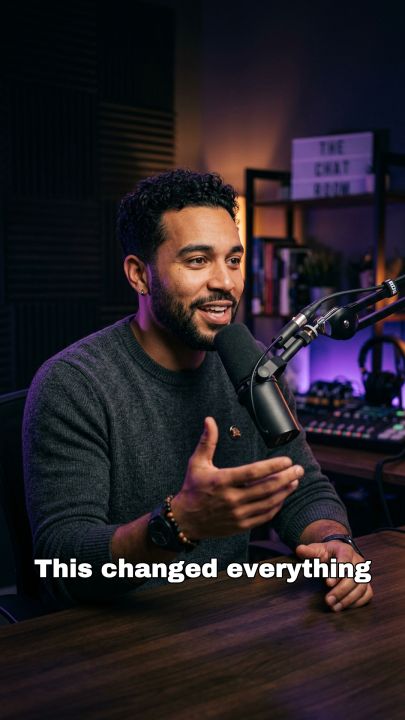
Captions are read on small screens, in sunlight, over moving footage. Pick a style that survives any background:
- Black Box: white text on a solid box. Readable on anything.
- White Outline: white text with a dark edge. Cleaner, still clear on most footage.
- Bold Highlight: white text on a coloured box, for a high-energy look.
Place them where the apps don’t
Each app puts buttons, names and descriptions over the bottom and right edge of the video. Keep captions in the lower-middle area, clear of that interface, and away from the speaker’s face.
Highlight one word, not five
Colouring one important word in a line draws the eye. Colouring several turns the caption into noise. If you highlight, pick the word that carries the meaning.
Burn them in
Platform auto-captions vary in accuracy and style and are often off by default. Burned-in captions look the same everywhere and can’t be switched off by accident.
In ContentVeo
Captions are timed from the transcript, shown a few words at a time and burned into every clip in the style you pick, or switched off entirely. Optional keyword highlighting marks the most important word in each line. See all features.
Pick a caption style and see it on your own video: start free.