Compare
ContentVeo vs editing clips by hand
Editing by hand gives you total control, at the cost of hours per episode. ContentVeo does the repetitive parts and leaves the choices to you.
Step by step
| Step | By hand | With ContentVeo |
|---|---|---|
| Finding moments | Scrubbing through the recording and taking notes | The transcript is scored for hooks and payoffs; clips are ranked |
| Cutting | Setting in and out points by ear | Cuts on full sentences, never mid-word |
| Vertical framing | Keyframing a crop for every shot change | Follows the speaker and changes on the camera’s cuts |
| Captions | Transcribing, timing and styling by hand | Timed from the transcript and burned in, three styles |
| Covers | Designing a thumbnail per clip | Three designed options per clip, or upload your own |
| Post copy | Writing a caption for each app | Title, caption and hashtags drafted per platform |
| Posting | Uploading to each app separately | Schedule once to six platforms from a calendar (paid plans) |
| Control | Total | You approve every clip and can edit all the text |
Use both
Many teams still edit their single best clip by hand and let ContentVeo produce the rest of the week. On paid plans every clip downloads as a normal MP4, so you can finish it in your own editor.
Where hand editing still wins
B-roll, music, multi-camera montages and square or landscape formats. ContentVeo makes vertical 9:16 clips from one recording.
The framing step
No keyframes: the window follows the speaker
By hand, every shot change means a new crop. Here is what ContentVeo kept from each wide shot. Pick an example.
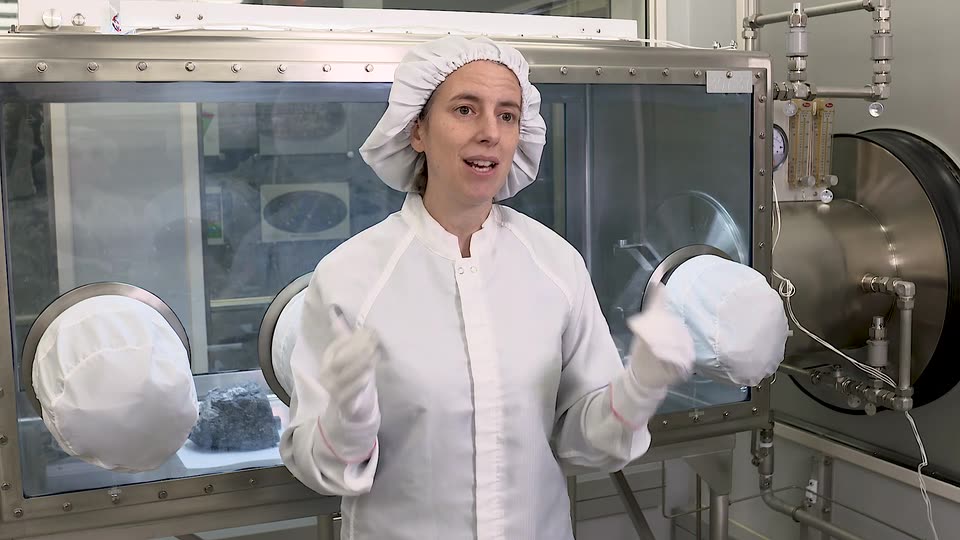
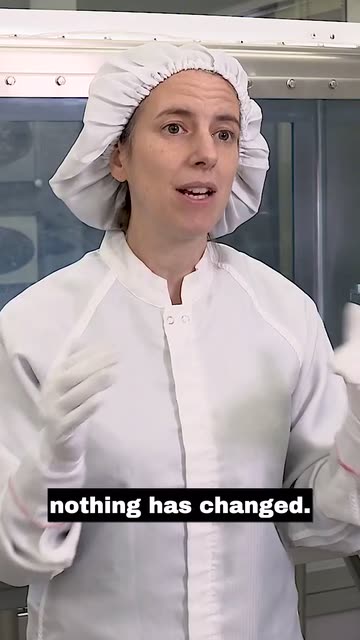
Example clips made by ContentVeo from public NASA footage. NASA does not endorse ContentVeo.



Get your first clips today
Start free with 60 minutes of video a month. No card needed.