Your best teaching moments, in under a minute
Lessons and webinars are full of explanations people would share, if they could find them. ContentVeo pulls out the ones that stand on their own.
Example clips made by ContentVeo from public NASA footage. NASA does not endorse ContentVeo.
Made for how you already work
Complete ideas, not fragments
Clips start and end on full sentences, so a tip or an explanation makes sense without the rest of the lesson.
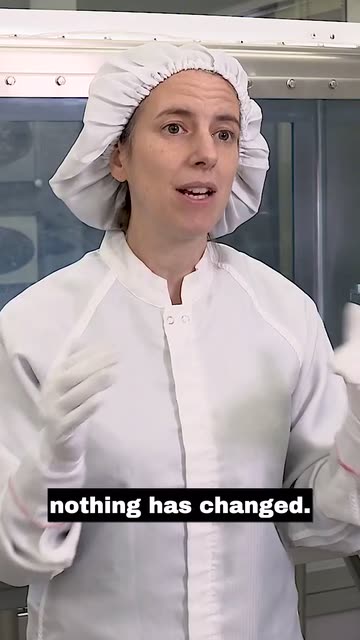
Readable with the sound off
Burned-in captions, a few words at a time, in high-contrast styles that work on small screens.
Look for specific moments
Tell the AI what to find, like “every time I answer a student question”, and it looks for exactly that.
Longer clips when you need them
Some explanations need three minutes. Creator allows clips up to 3 minutes; Pro and Business up to 10.
Suggested settings
- Video type: Webinar, How-To or Academic
- Clip length: 60–90 seconds or 1.5–3 minutes
- Specific moments: “answers to student questions”
- Captions: Black Box for maximum readability
Four 90-minute webinars a month come to about 360 minutes, so Pro (1,000 minutes) fits, with room for more sessions. Compare plans.
Read: Captions that get watched: a short guideAdd a video. Approve the clips. Done.
Add a video
Upload up to 10 GB, pick a file from Google Drive, or paste a link.
AI finds the moments
It reads the transcript and picks moments that stand on their own.
Framed, captioned, covered
Speaker kept in 9:16, captions burned in, three covers and post copy.
You approve
Keep what you like and edit titles and captions per platform.
Publish or schedule
Post now, pick a time, or let a posting schedule fill the calendar.



Get your first clips today
Start free with 60 minutes of video a month. No card needed.