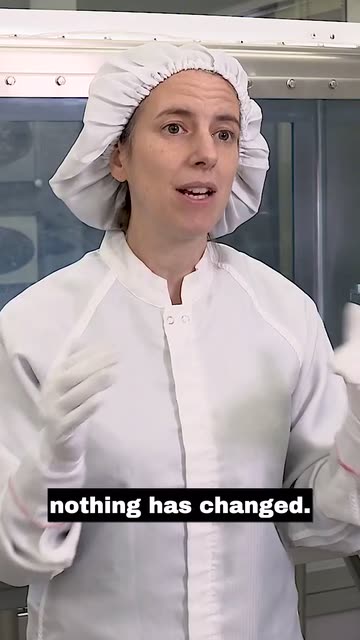
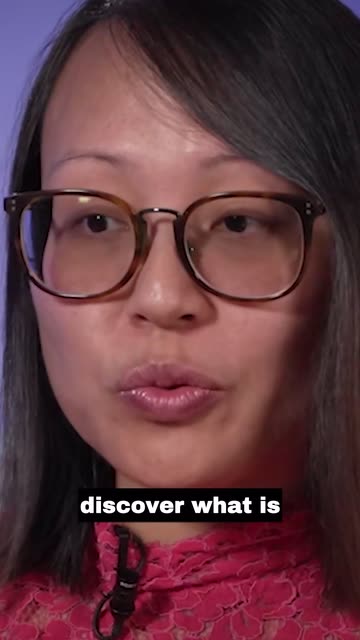
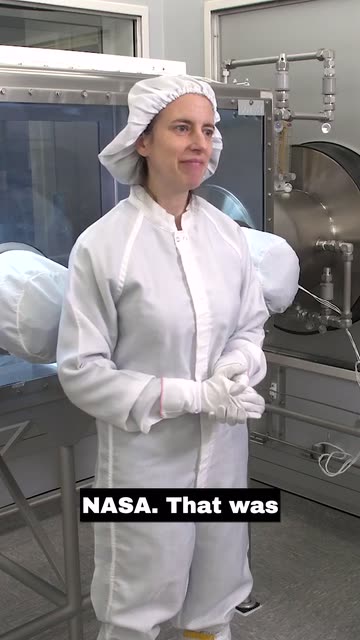
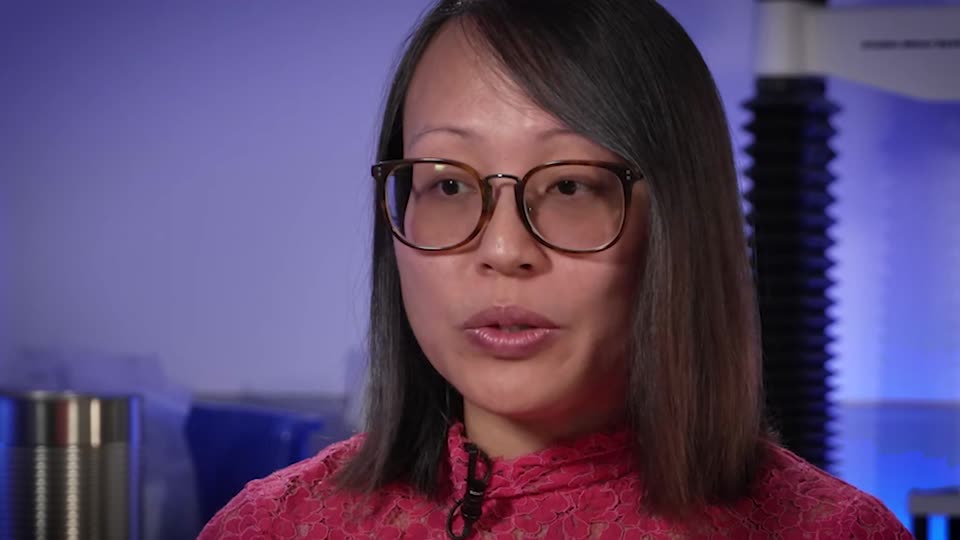
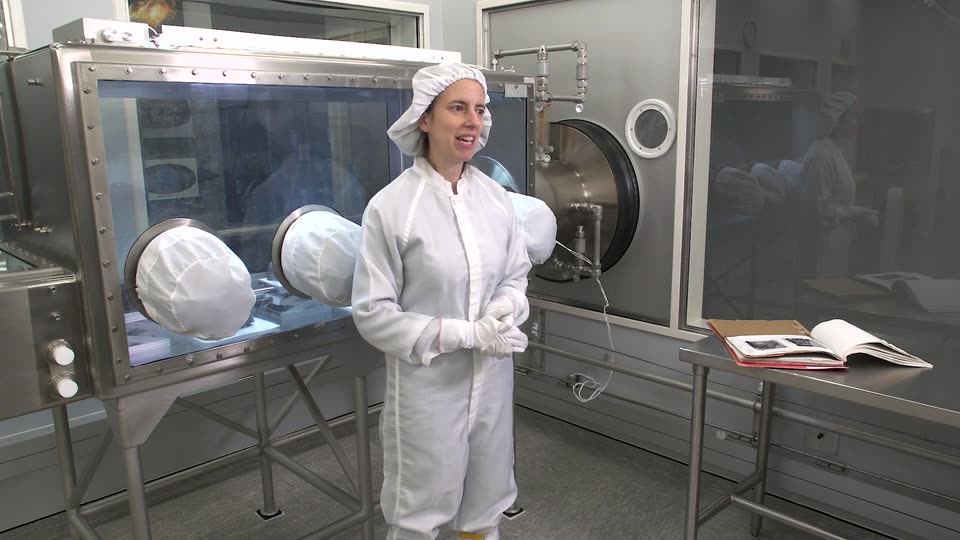
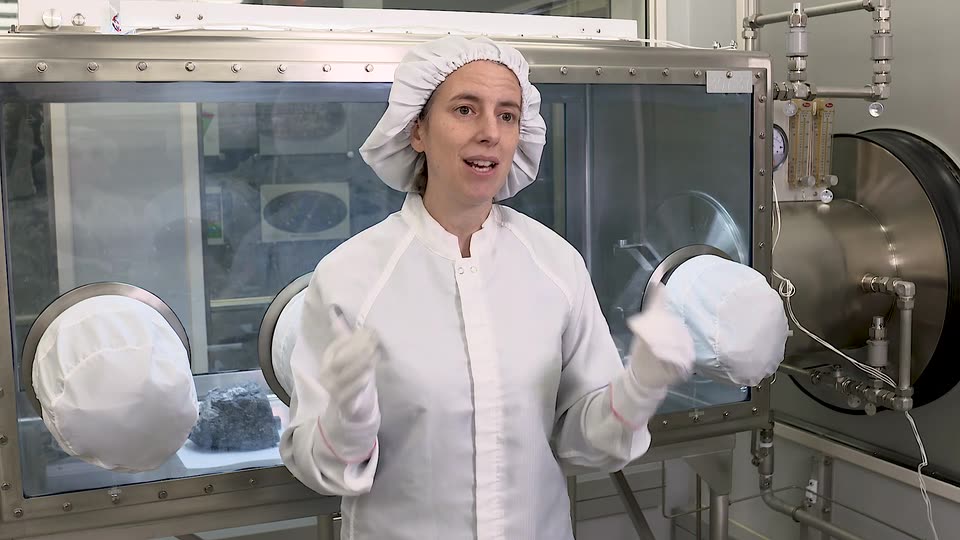
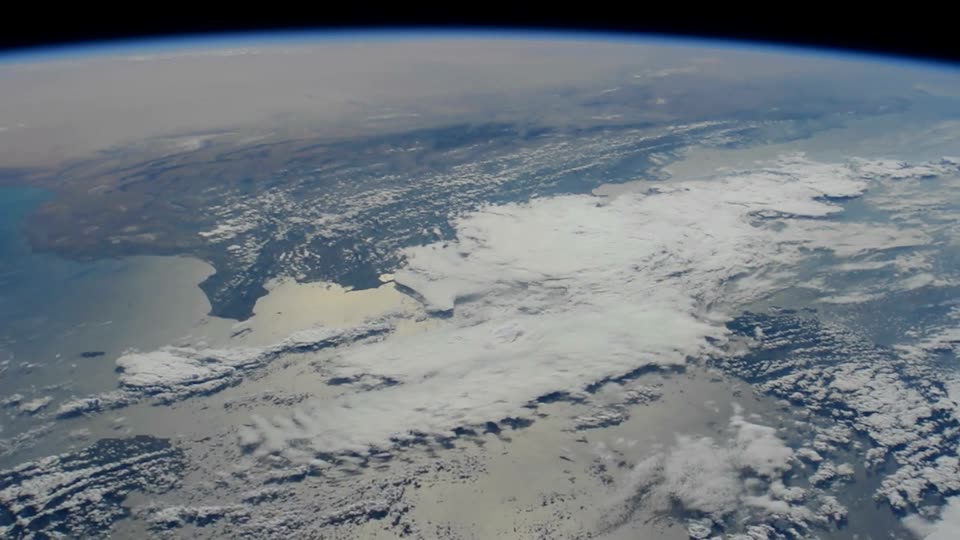
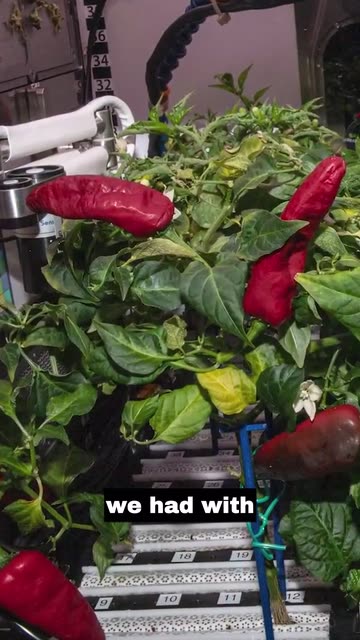
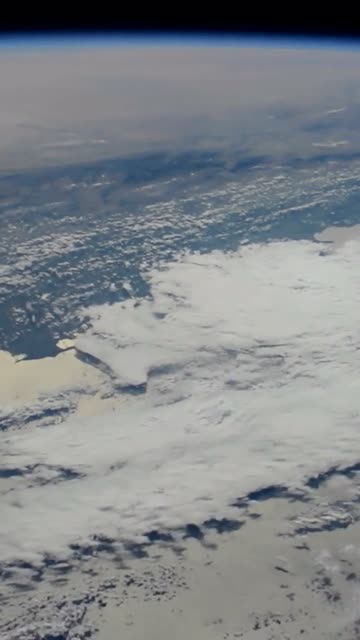
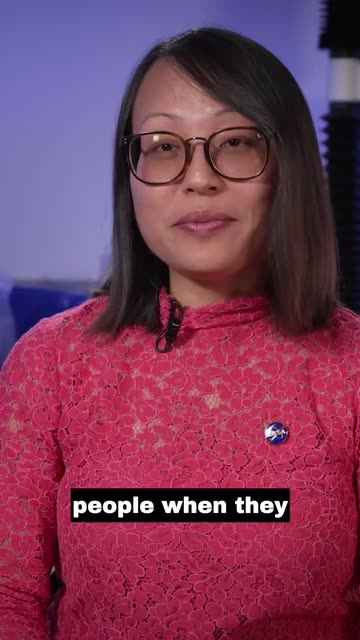
Example clips made by ContentVeo from public NASA footage. NASA does not endorse ContentVeo.
In the app
Every clip arrives cut, framed, captioned and scored
A finished project: each clip has its AI-designed cover, its length and a score out of 100, waiting for your review.
app.contentveo.com
Screen recording of the real ContentVeo app. Example clips made by ContentVeo from public NASA footage. NASA does not endorse ContentVeo.
AI that edits like you would
What the AI does for every clip
It finds the best moments, edits and reframes them to vertical, writes the captions and makes the covers, all automatically, on every plan. You review the clips and decide what goes out.
Moment selection
Finds the moments worth posting
The AI reads the whole transcript and picks moments with a clear hook and a payoff that make sense on their own, cut on full sentences. Want something specific? Describe it in plain words.
Look for:every time we talk about the Sun
918478
0:0012:4025:2038:00
Clip score
A score for every clip
Each clip gets a score out of 100, so you review the strongest first.
This rock kept a record of the Sun
93
What we still hope to discover
90
Inside the sample lab
92
Speaker framing
Keeps the speaker in frame
Faces are tracked through the wide shot. The 9:16 window follows the person who matters, holds steady, and changes on the recording’s own camera cuts.
Tracked
Captions
Captions people read with the sound off
Timed to the word from the transcript, a few words at a time, and burned into the video so they look the same everywhere.
it has recorded how
Covers
Three cover options per clip
Built from the clip’s best frames and its hook title, in seven styles. Pick one, restyle it, or upload your own.
It kept a record of the Sun
The Lab HourWhat we still hope to discover
The view from orbit
Post copy
Titles, captions and hashtags per platform
Written for each platform, in your brand voice on paid plans. Edit anything before it goes out.
YouTube Shorts · title
This rock kept a record of the Sun
#Shorts #space #science
TikTok · caption
It has recorded everything since it formed, including how the Sun has changed.
#science #space #learnontiktok
Instagram Reels · caption
One sample. Billions of years of the Sun’s history, written in stone.
#space #science #planetaryscience
Facebook · post
What can one rock tell us about the Sun? More than you’d think.
#science #space
LinkedIn · post
Some records take a very long time to write. This sample has been keeping one since it formed.
#research #science
X · post
This rock has been recording the Sun since the day it formed.
#space
Publishing
Publish now, or fill the week
Post a clip now, pick a time, or set a posting schedule and let approved clips fill the calendar. Scheduling and all six platforms come with paid plans; Free posts now to one platform.
This week5 scheduled
Mon
9:00
Tue
Wed
12:30
Thu
18:00
Fri
Sat
10:00
Sun
17:00
Notifications
Know when clips are ready
Close the tab. You get an email and an in-app notification as soon as your clips are ready to review.
6 clips are ready to reviewlab-interview.mp4 · just now
Your clips are readystudio@contentveo.com · Inbox
Branding
Your brand on every clip
Set your brand voice, show name, cover footer and default hashtags once. Branding and styled covers are on paid plans.
Show nameThe Lab Hour
Brand voiceCurious, plain-spoken, no hype
Default hashtags#science #space
Review
Nothing posts without you
Clips wait for your approval. Switch on auto-approval only if you want a hands-off pipeline.
Peppers grown in orbit
ApproveSkip
90
Why space food has to taste good
Approved
92
Speaker framing
A camera operator that keeps faces in frame
Faces kept whole, never cut off at the eyes. A steady shot instead of constant drifting. Built for two- and three-person podcasts. Pick an example to see the window ContentVeo chose.
The original 16:9 recording. The outlined window is what ContentVeo kept.The 9:16 clip
Example clips made by ContentVeo from public NASA footage. NASA does not endorse ContentVeo.
Auto Pilot
Drop in a recording. Find clips waiting.
Point ContentVeo at a Google Drive folder you own. New videos are picked up within about 30 minutes and made into clips with your saved settings, ready for you to approve or to fill your posting schedule. On Creator, Pro and Business.
Your Drive folderA new recording lands
ContentVeoMoments, framing, captions, covers
Clips to reviewEmail and in-app notice
Your channelsPosted now or on schedule
You stay in control
Review every clip before it goes out
Watch each clip with its captions, edit the post copy for every platform, pick a cover, then approve it and post or schedule. Nothing is posted without you unless you switch on auto-approval.
app.contentveo.com
Screen recording of the real ContentVeo app. The example clip was made by ContentVeo from public NASA footage. NASA does not endorse ContentVeo.
Your settings
Tell it what you want, or leave it on Auto
Every option has a sensible default. Save your choices once and every new video, including Auto Pilot imports, uses them.
Number of clips: Auto, or a number up to your plan’s limit
Clip length: Auto (15–60 s), or a range from under 30 seconds up to 5–10 minutes
Video type: podcast, Q&A, webinar, how-to, commentary and more
Specific moments: describe what to look for in plain words
Captions and cover style, plus your show name on covers (cover styles and branding on paid plans)
Number of clipsAuto
Clip lengthAuto · 15–60 s
Video typePodcast
Specific moments“every time we talk about pricing”
CaptionsBlack Box
Cover styleAuto, with your show name
Output
What every clip comes with
Video
1080 × 1920 MP4
Watermark
None on paid plans
Covers
3 options, 7 styles
Score
0–100 per clip
Captions
3 styles or none
Copy
Per platform
Edges
Full sentences
Download
MP4, on paid plans
Clips per video, maximum clip length and how long clips are kept (3 days on Free, 15 days on Creator and Pro, 30 days on Business) depend on your plan. Free clips carry a small watermark. See plan limits.
Usage you can see
Before you start a video, the app shows how many minutes it will use and how many you have left. Failed videos are refunded automatically.
Download as MP4
On paid plans, download any clip as a 1080 × 1920 MP4 to post anywhere else.
Two-factor sign-in
Protect your account with an authenticator app. Channels connect through each platform’s own sign-in.
Get your first clips today
Start free with 60 minutes of video a month. No card needed.