From a long recording to a week of shorts
Five steps, most of them done for you. Here is exactly what happens between adding a video and seeing a clip go live.
Add a video
Upload up to 10 GB, pick a file from Google Drive, or paste a link.
AI finds the moments
It reads the transcript and picks moments that stand on their own.
Framed, captioned, covered
Speaker kept in 9:16, captions burned in, three covers and post copy.
You approve
Keep what you like and edit titles and captions per platform.
Publish or schedule
Post now, pick a time, or let a posting schedule fill the calendar.
Add a video
Start from the home screen of the app. There are three ways in:
- Upload a file up to 10 GB: MP4, MOV, M4V, MKV, WebM or AVI. Large uploads go in parts and resume if your connection drops.
- Upload from Google Drive: choose the file in Google’s own picker. ContentVeo can open only that file, and nothing has to be public.
- Paste a link: a Google Drive file link shared as “Anyone with the link”, or a direct https link to a video file (.mp4, .mov, .m4v, .webm, .mkv).
Before you start, the app shows the video’s length and how many of your monthly minutes it will use. Videos need English speech. YouTube links are not supported; upload the original file instead.
On Creator, Pro and Business, Auto Pilot can watch a Google Drive folder: new recordings are picked up within about 30 minutes and processed with your saved settings.
Screen recording of the real ContentVeo app. Example videos and clips from public NASA footage. NASA does not endorse ContentVeo.
Choose your clip settings (optional)
Every setting has a default, so you can skip this. If you want control:
- Number of clips, or Auto to let the AI decide within your plan
- Clip length: Auto (15–60 seconds) or a fixed range, up to 90 seconds on Free, 3 minutes on Creator and 10 minutes on Pro and Business
- Video type, such as podcast, Q&A, webinar or how-to, to guide what counts as a good moment
- Specific moments: “every time they talk about pricing”, “the funniest reactions”
- Caption style and cover style, previewed with real renders, plus your show name for covers (cover styles and branding on paid plans)
ContentVeo makes the clips
The video is transcribed word by word. The AI reads the whole transcript and picks moments with a clear hook and payoff that make sense on their own, cutting on full sentences. Each clip gets a score out of 100.
Then each moment is framed for 9:16: faces are tracked, the window follows whoever matters and holds steady, and changes on the recording’s camera cuts. Captions are burned in, three covers are designed, and a title, caption and hashtags are written for every platform.
This usually takes 5 to 20 minutes; a 3‑minute video is typically ready in about 4 to 7. You can close the page: you get an email and an in-app notification when the clips are ready. If processing fails, the minutes go back to your allowance.
Screen recording of the real ContentVeo app. Example videos and clips from public NASA footage. NASA does not endorse ContentVeo.
Review the clips
Open the project to see every clip with its score. Watch it, choose one of the three covers or restyle it, and edit the copy for each platform. Keep what you like; on paid plans any clip can be downloaded as an MP4.
Screen recording of the real ContentVeo app. The example clip was made by ContentVeo from public NASA footage. NASA does not endorse ContentVeo.
Publish or schedule
Connect YouTube, TikTok, Instagram, Facebook, LinkedIn and X once, each through the platform’s own sign-in. Then post a clip now, schedule it for a time, or set a posting schedule and let approved clips fill the calendar. On Free you publish now to one platform; scheduling and all six platforms come with a paid plan.
Nothing is posted without your approval, unless you switch on automatic approval in Settings. See integrations for what each platform supports.
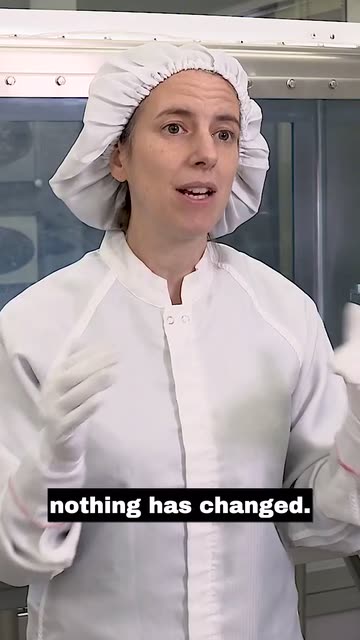

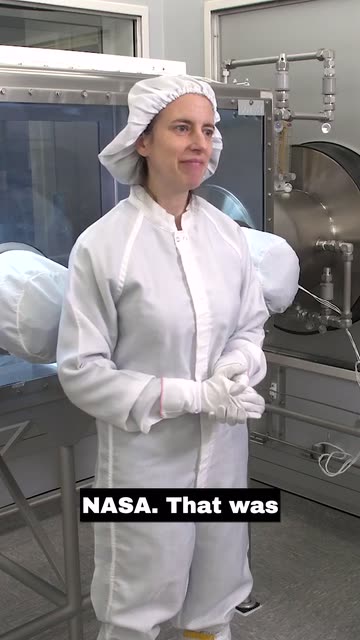
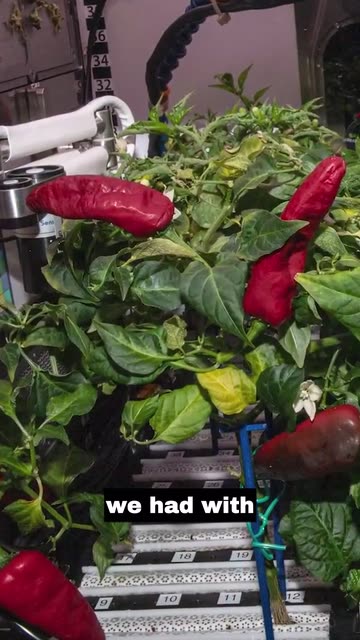
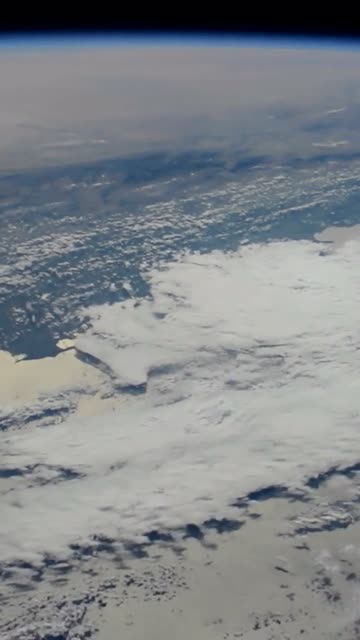
The same moment, before and after
Pick an example to see which part of the wide shot ContentVeo kept for the vertical clip.
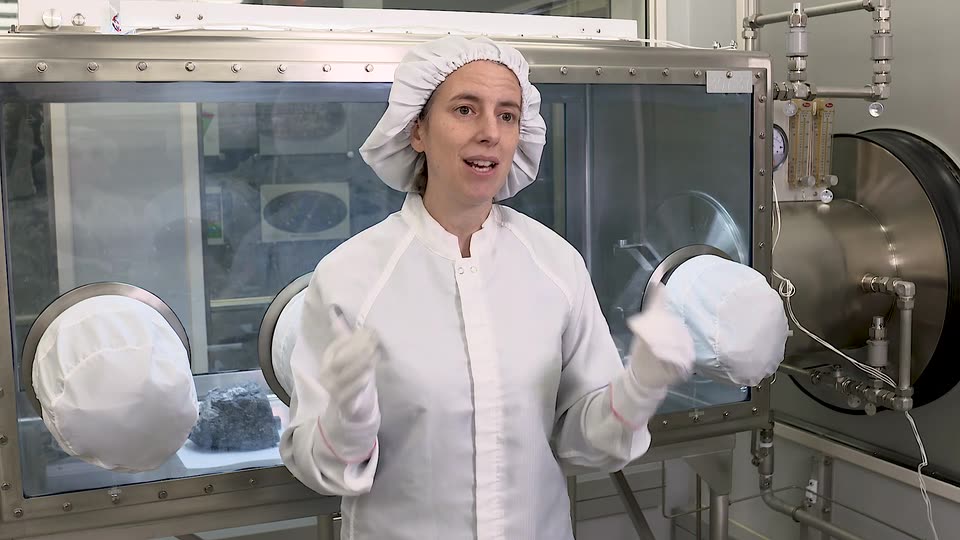
Example clips made by ContentVeo from public NASA footage. NASA does not endorse ContentVeo.
Get your first clips today
Start free with 60 minutes of video a month. No card needed.